
Account, team and subscription
Invite team members
Summit has no limit on users, so you can invite everyone who works on your projects and invoices.
Owner and members
- The owner created the company. Only the owner can change company settings, manage the subscription and billing, invite people and remove them, and delete the account.
- Members work with clients, projects and invoices: they can add and change them, and send invoices.
Invite someone
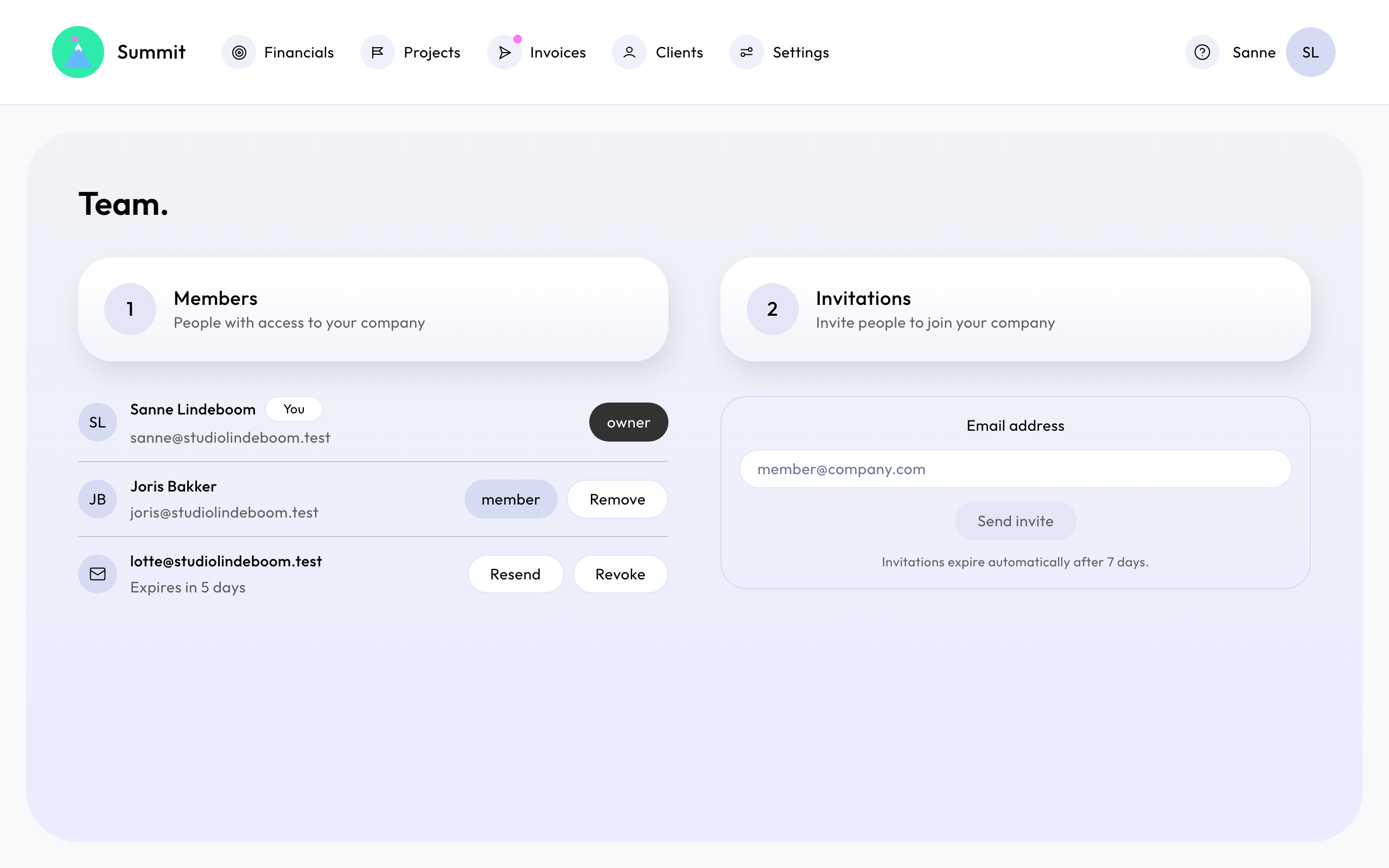
Go to Team and, under Invitations, enter an Email address and choose Send invite. You can do this once your company details are complete.
The person gets an email with a link. They create their account through that link, with the same email address, and join your company as a member.
Invitations expire automatically after 7 days. Until then you can Resend or Revoke it.
Remove a member
Go to Team, find the person under Members and choose Remove. They lose access right away and get an email about it. Everything they did, such as sent invoices, stays.
Your own profile
Each person manages their own name, email address, photo and app language in Profile. The app language only changes what you see. Invoices follow the invoice language of your company or client.