
Invoices
The payment QR code on your invoices
Sent invoices in euros carry a QR code next to your bank details. Your client scans it with their banking app, and the transfer is filled in: your account name and IBAN, the amount, and the invoice number as the description. No typing, no typos.
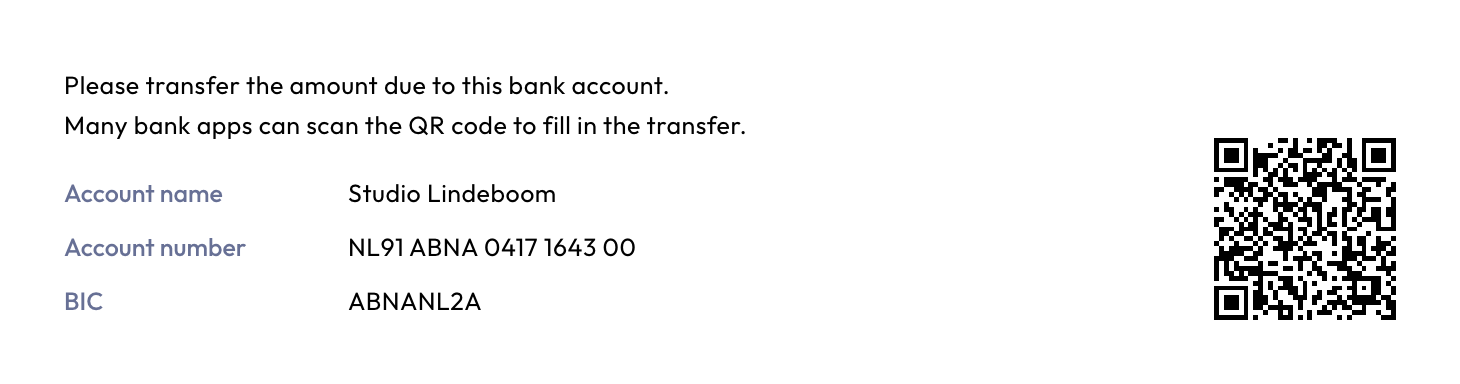
The code follows the European standard for bank transfer QR codes (the EPC QR code, also called SEPA QR or GiroCode).
When an invoice gets one
Summit adds the QR code when:
- the invoice is in euros;
- the amount to pay is more than zero;
- your IBAN in Settings is valid.
The code is made when you send the invoice. Before that, the preview shows "QR created on issue" in its place. Invoices in other currencies and credit notes have no QR code.
Which banking apps can scan it
Many banking apps in Europe can scan it, often from the screen where you start a new transfer. Not every app supports it yet. If your client's can't, your bank details are right next to the code, as on any invoice.
You don't need to do anything to turn it on.