
Clients
Send a client invoices in another language
Summit writes invoices, credit notes and the emails that go with them in English or Dutch.
Your company's invoice language
In Settings, under Invoice defaults, the Invoice language is the language for every client without a language of its own. It starts as Dutch for a company in the Netherlands and English elsewhere.
A different language for one client
Open the client, choose Edit and set Language. Leave it on the company default to follow your company setting, so a later change there applies to this client too.
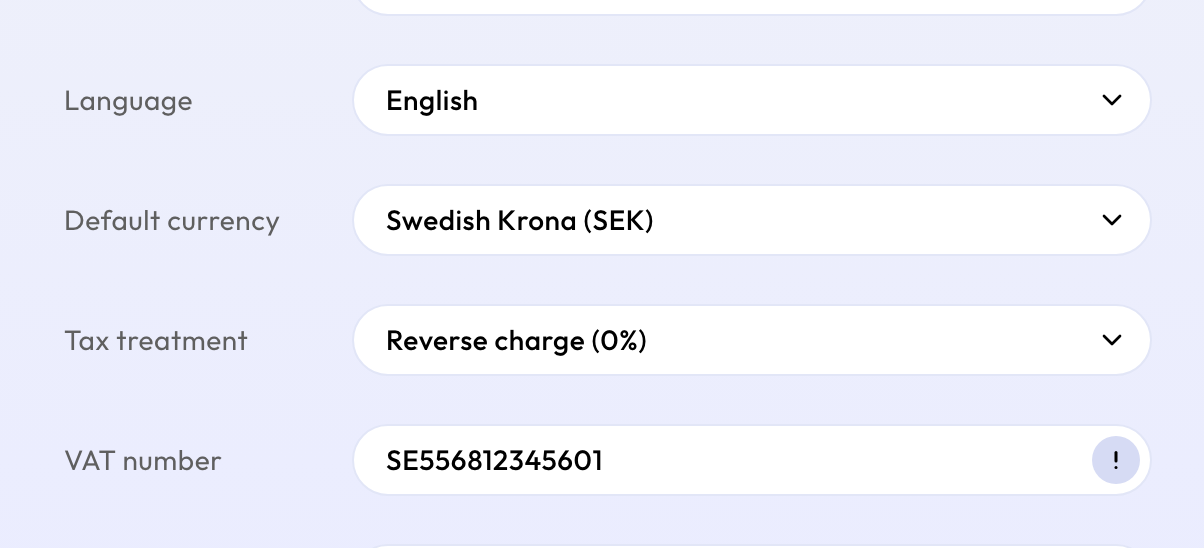
The client's language decides the language of:
- the invoice PDF and its UBL file;
- the invoice email, reminders and credit notes.
Invoices you've already sent
A sent invoice keeps the language it was sent in. Its reminders and credit note use that language too, even if you change the setting later.
Your own language in the app
The language you see Summit in is personal and separate: each person sets it in Profile. It doesn't change your invoices.