
Getting started
Create your account
Sign up
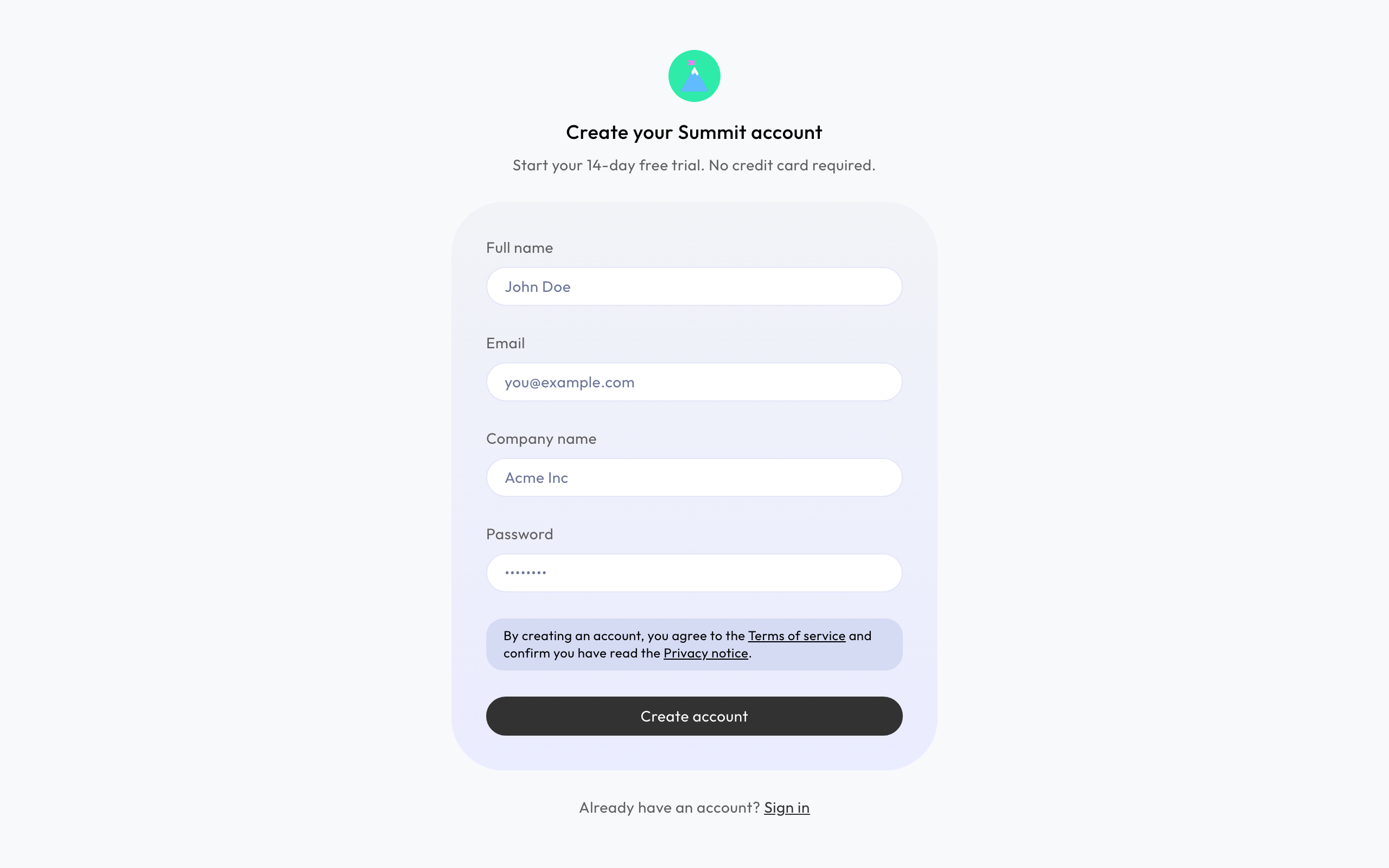
Go to app.getsummit.eu and choose Create account. Fill in your Full name, your Company name, your email address and a password of at least 8 characters.
Confirm your email address
Summit sends you an email. Open it and choose Confirm email. Your account is then ready, and Summit takes you to the first step: Set up your company.
No email after a few minutes? Check your spam folder. Still nothing? Email support@getsummit.eu.
Your free trial
Your company gets 14 days of Summit, free and with everything included. You don't need a credit card.
Choose a plan
Whenever you're ready, the company owner goes to Subscription and picks the Monthly plan (€12 a month) or the Annual plan (€96 a year), both ex VAT. If the trial ends without a plan, your workspace becomes read-only until you choose one. Nothing is lost. See Your subscription and Summit invoices.
Invited by someone?
Open the link in the invitation email and create your account there. You join that company as a member and skip the setup. See Invite team members.