
Clients
Send invoices as PDF or PDF and UBL
Every invoice and credit note you send has two versions: the PDF your client reads, and a UBL file (XML) with the same invoice for bookkeeping software. Software that reads UBL books the invoice without anyone retyping it.
Summit's UBL files follow the European e-invoicing standard (EN 16931) and the Peppol BIS Billing 3.0 format, which bookkeeping software in the Netherlands and Belgium accepts.
The setting per client
Each business client has Invoice files:
- PDF and UBL: the default. The invoice email carries both files and says in one line that the XML file is the same invoice, for bookkeeping software.
- PDF: for a client who asks for it, or whose software or mailbox can't handle the extra file.
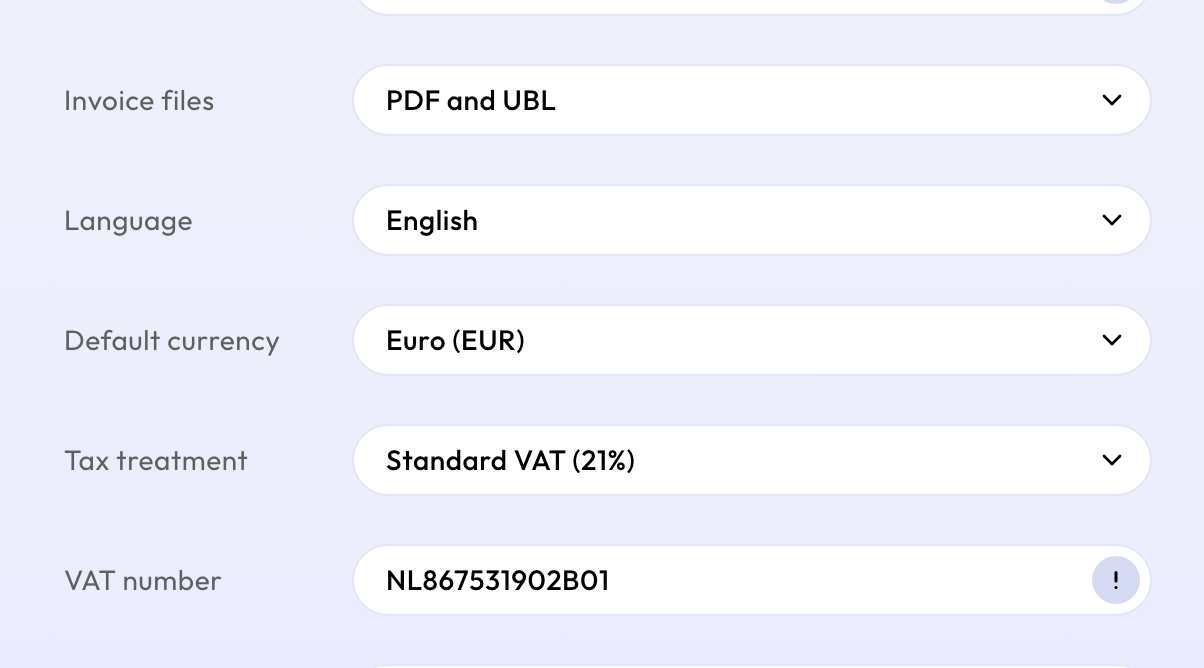
Consumers always get just the PDF. Change the setting when you add the client, or later by opening the client and choosing Edit. It applies to invoices you send from then on.
Your own bookkeeping
The copy to your bookkeeping email address always includes the UBL file, whatever the client's setting. Reminders never include it, so nothing is booked twice.
You can also download the UBL file of any sent invoice. See Download an invoice as PDF or UBL.
Peppol
Summit doesn't send invoices over the Peppol network yet. Invoices go by email, with the UBL file attached.