
Clients
Archive a client
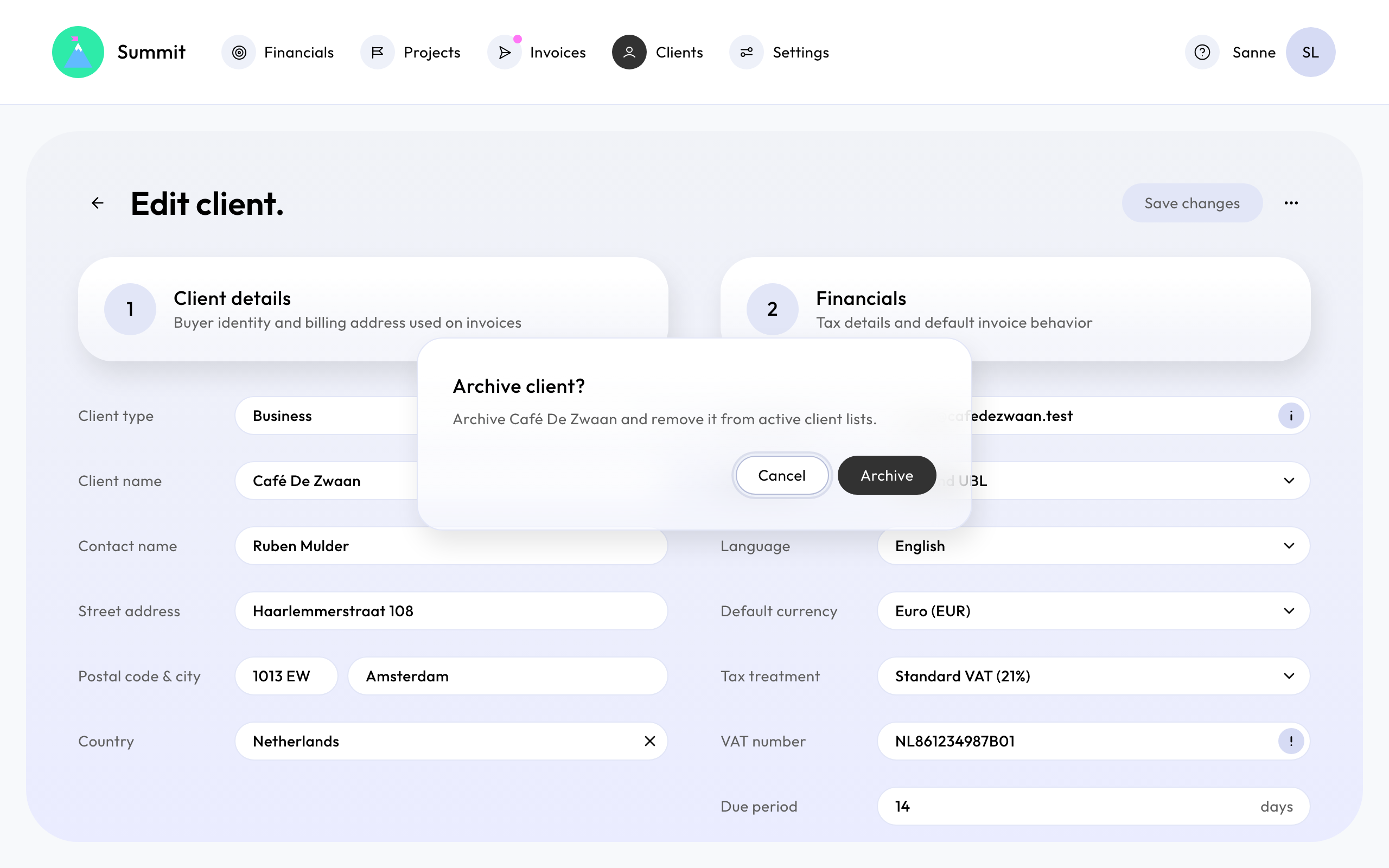
Archiving takes a client you no longer work with off your lists. Nothing is deleted, and you can restore the client at any time.
Archive a client
On Clients, open the client's actions menu and choose Archive. The client disappears from your client list and from the list you pick from when creating a project.
When you can't archive
A client can't be archived while it still has active projects, or once you've sent it invoices: those invoices stay part of your records, and so does the client. Summit tells you when this applies.
To stop working with a client that has active projects, archive those projects first. See Change or archive a project.
Restore a client
Choose to show archived clients on Clients, open the client's actions menu and choose Restore. The client is back in your lists, with all its details.