
Projects
Opportunities and signed projects
Every project has a Status: Opportunity or Signed.
Opportunities
An opportunity is work you're hoping for but haven't agreed yet, such as a quote you've sent. Summit doesn't plan invoices for it. You see it:
- on Projects, as a light bar in the timeline;
- in Financials, as the lighter part on top of each month's bar and in the Opportunities total. It doesn't count towards your quarter totals or year target.

That way you can see what your year could look like, without anything being invoiced.
Signing a project
Once your client agrees, open the project and change its status to Signed. Its invoices appear on Invoices right away: Scheduled for dates still ahead, and Ready for dates that have already passed.
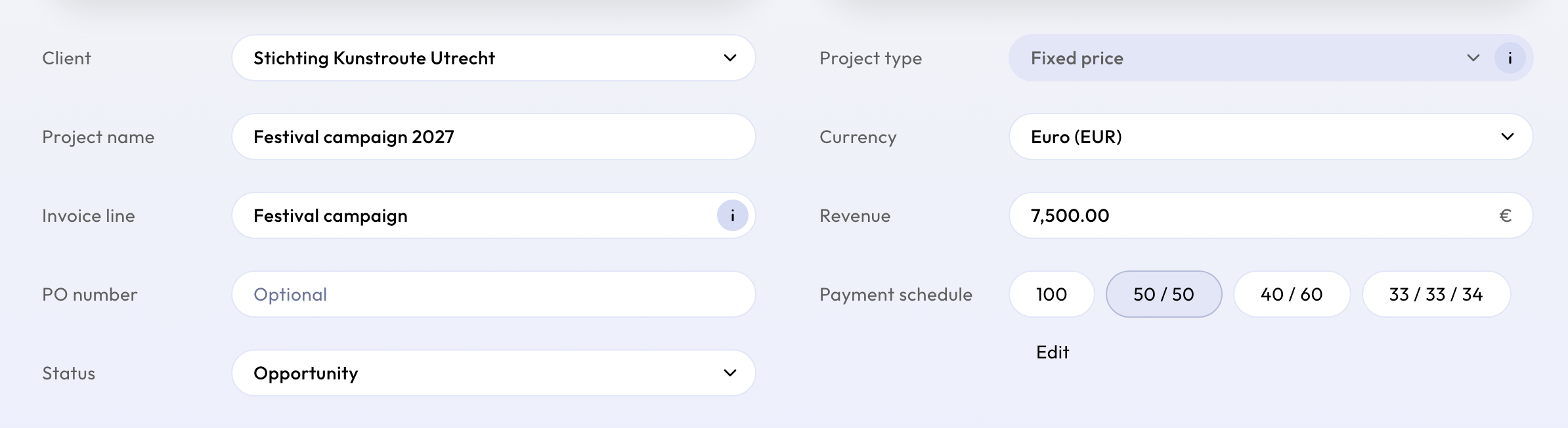
If you create a project that is already agreed, choose signed straight away.
Back to opportunity
A signed project can go back to opportunity as long as none of its invoices has been sent. Its planned invoices then disappear again.
Once an invoice has been sent, the project stays signed: a sent invoice is part of your records and belongs to a signed agreement. To stop the rest of the work, change the end date or the remaining invoices instead. See Change or archive a project.