
Clients
Choose the right VAT treatment for a client
Each client has a Tax treatment. It decides how much VAT goes on their invoices and which VAT note is printed on them. Summit suggests one while you add the client. You can always choose another.
Summit doesn't give tax advice. If you're not sure which treatment applies, ask your accountant. For what each treatment puts on the invoice, and how the VAT number check works, see VAT on your invoices.
The four treatments
- Standard VAT (21%): you charge VAT. This is the usual choice for clients in your own country, and for consumers elsewhere in the EU.
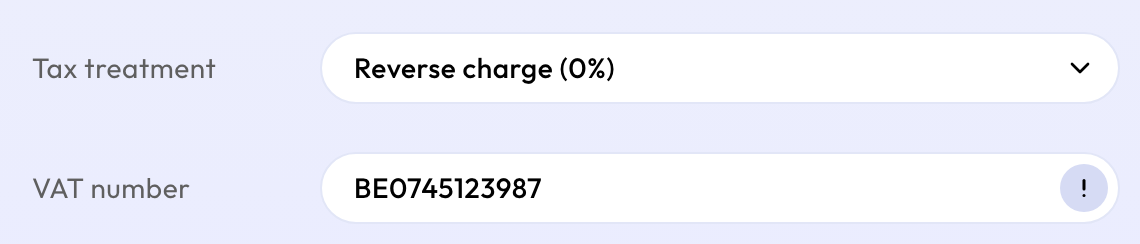
- Reverse charge (0%): for a business client in another EU country. You charge no VAT, and your client pays it in their own country. The invoice says "VAT reverse charged" and shows the client's VAT number.
- Small business scheme (0%): when you use the small business scheme and don't charge VAT at all. The invoice says why no VAT is charged.
- Outside the EU (0%): for clients outside the EU. No VAT is charged.
What Summit suggests
- Your company has no VAT number: Small business scheme (0%).
- The client is in your own country: Standard VAT (21%).
- The client is a consumer in another EU country: Standard VAT (21%).
- The client is a business in another EU country: Reverse charge (0%), once you've entered their VAT number and the EU's VAT number check (VIES) confirms it is registered in the client's country. Until then Summit keeps standard VAT and shows a reminder.
- The client is outside the EU: Outside the EU (0%).
Changing it later
You can change a client's treatment at any time. New invoices use the new treatment. Invoices you've already sent keep the VAT they were sent with. To correct one of those, open it on Invoices and choose Void and replace.